AI Detector for Chrome
Check a web page for AI-written text.
The extension checks the webpage the user is reading, or the piece of text the user has highlighted.
Coming soon to the Chrome Web Store.
Sign in with your AssetFeed account to use it.
01
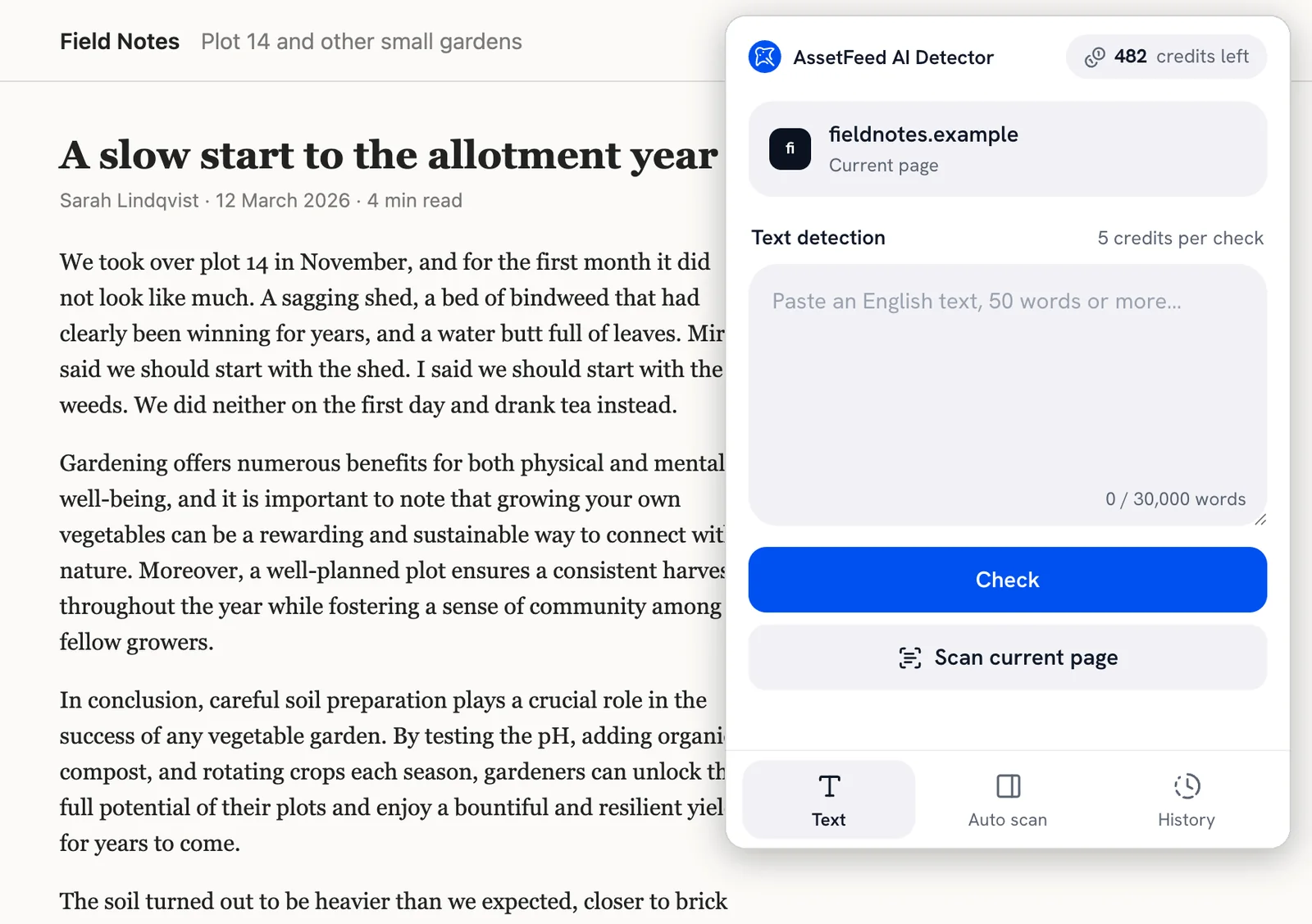
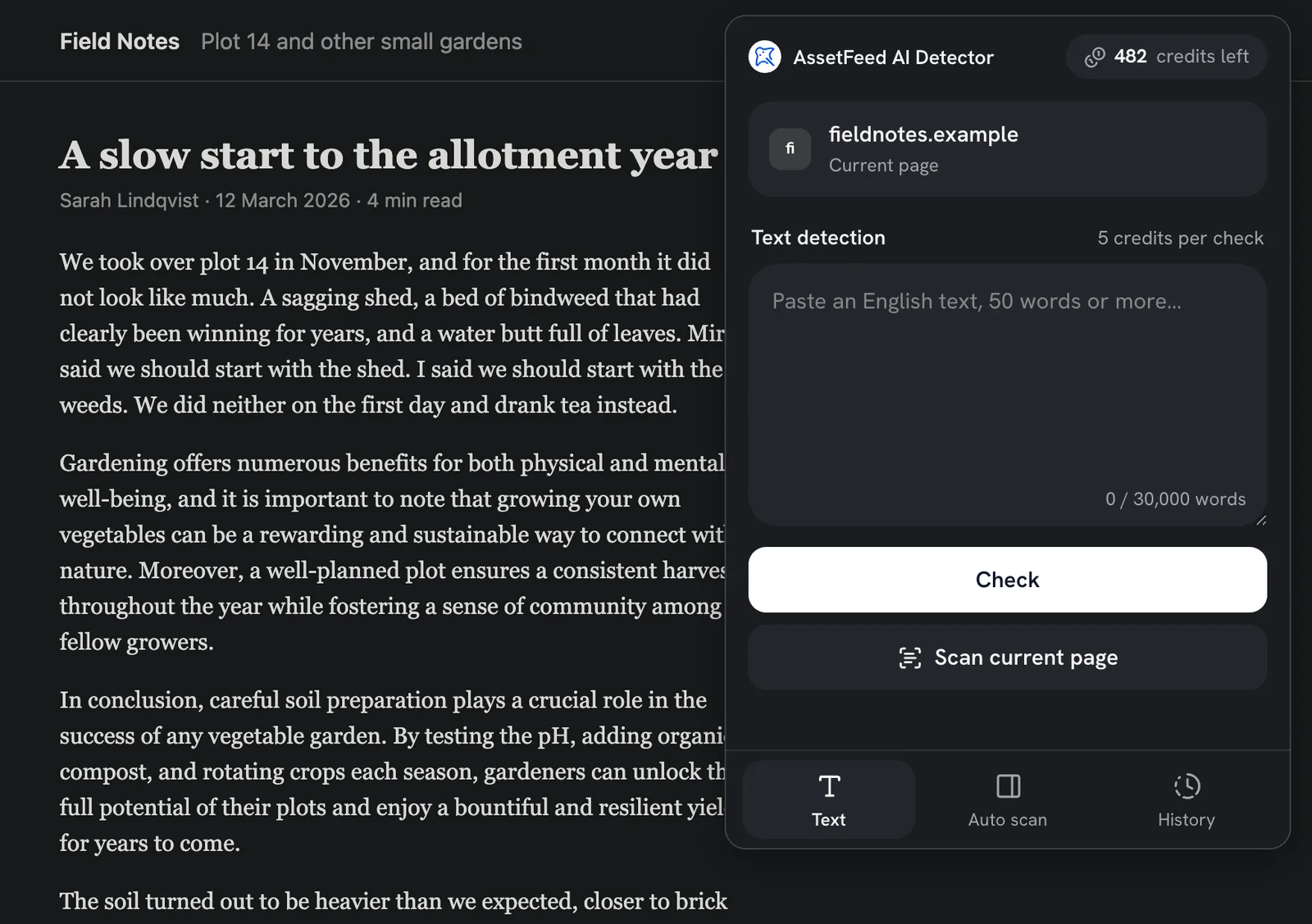
Scan a page
Open the extension and press Scan current page.
02
Check a selection
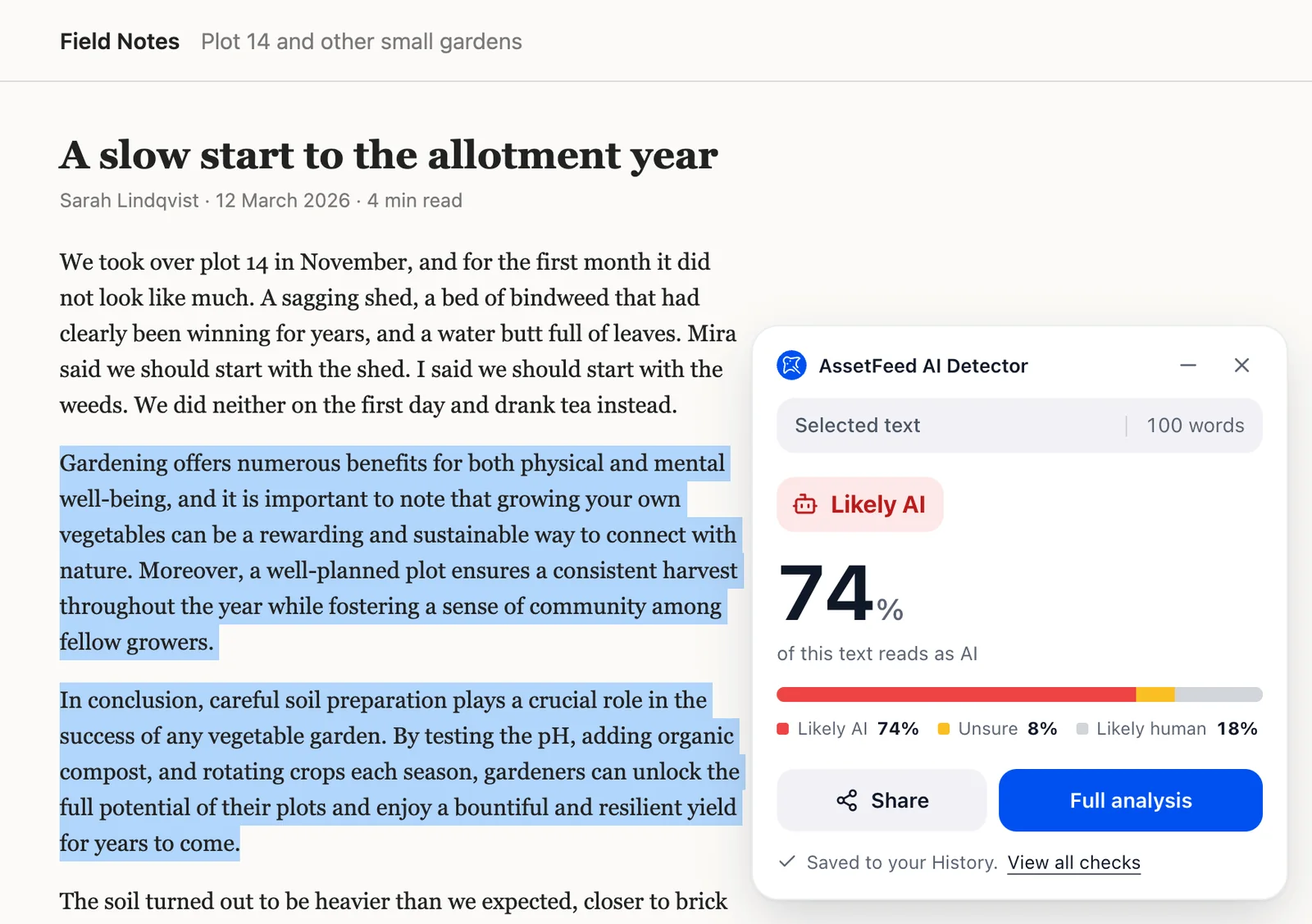
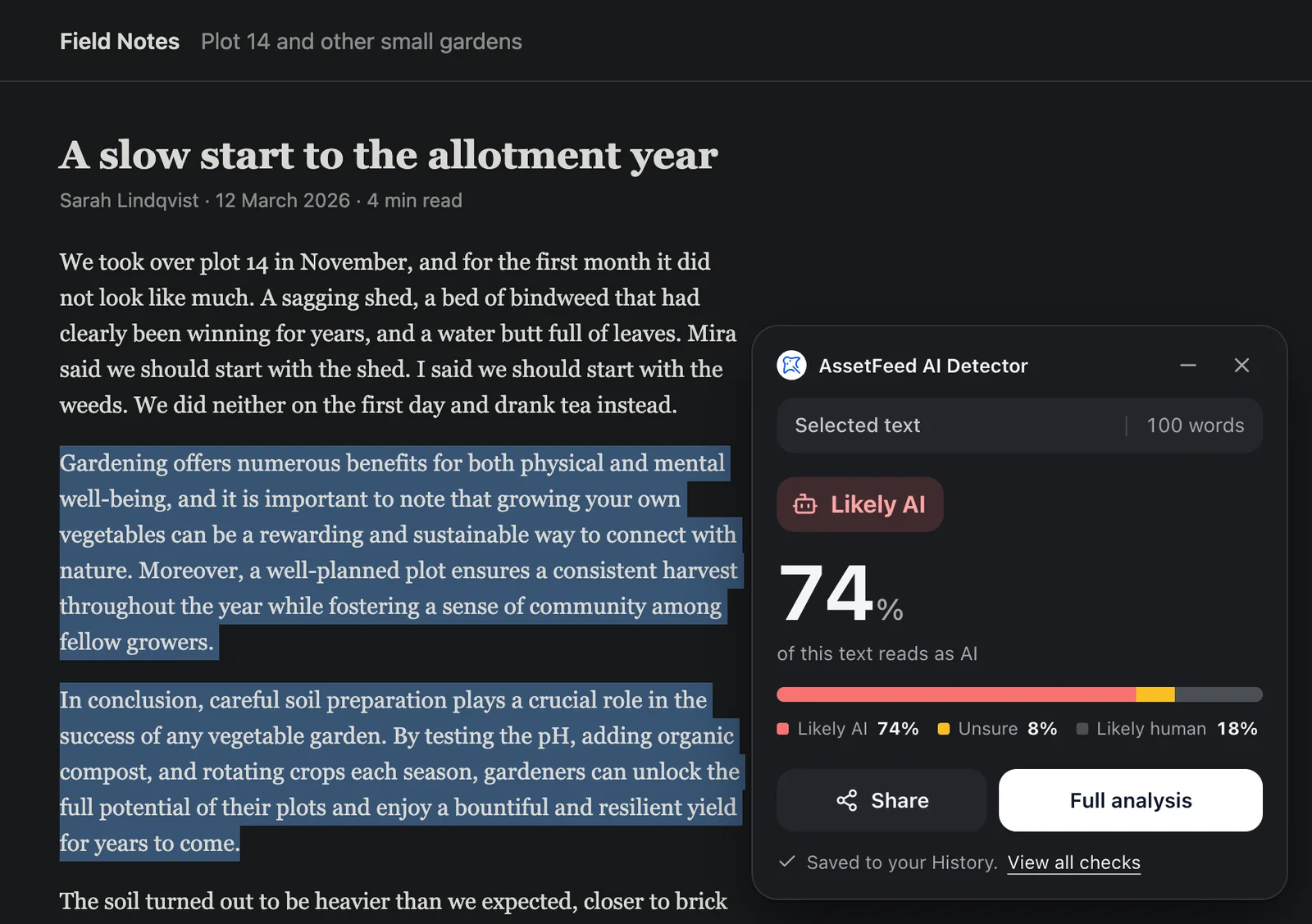
Select some text, right-click and choose Check selected text.
03
See the result
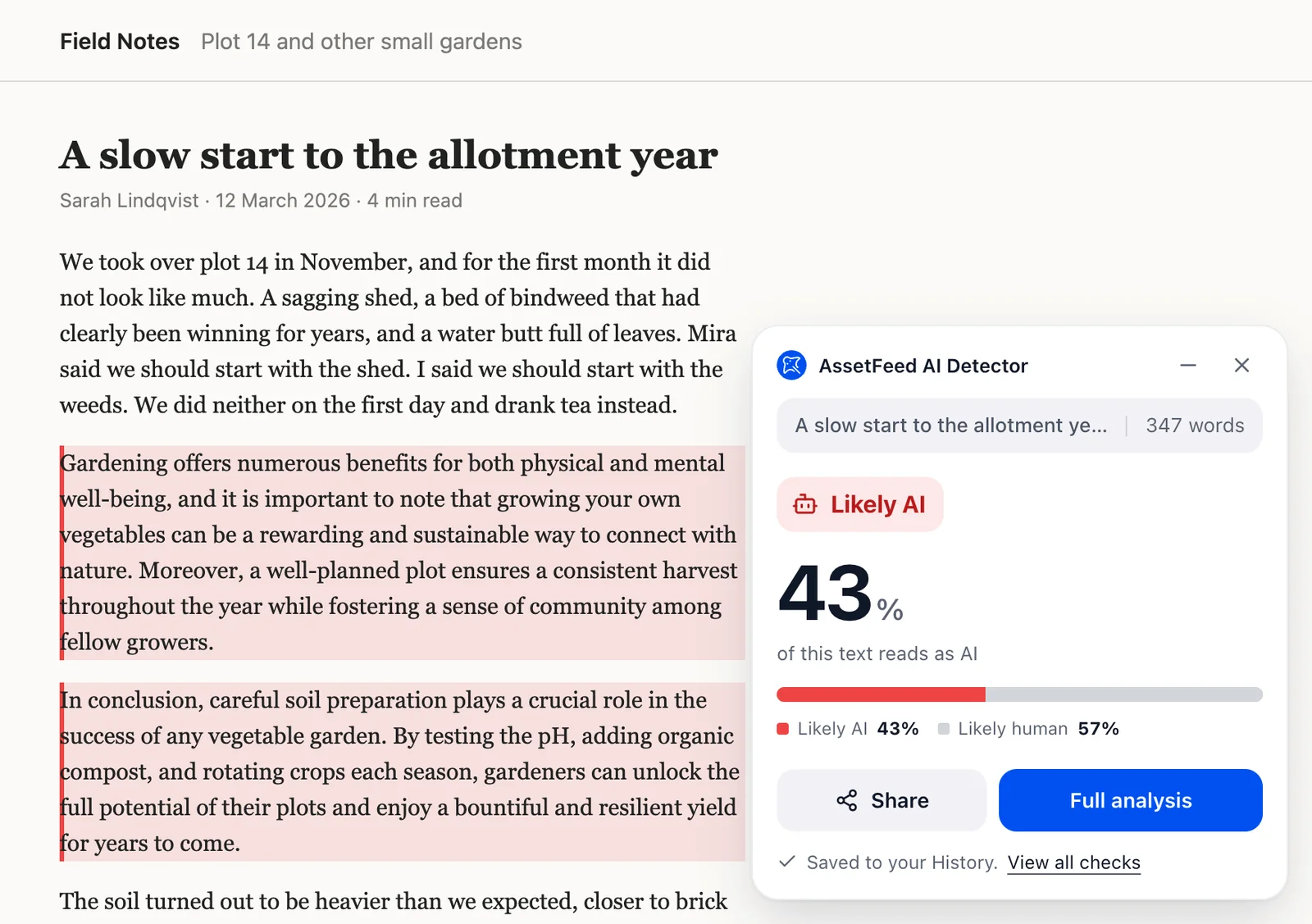
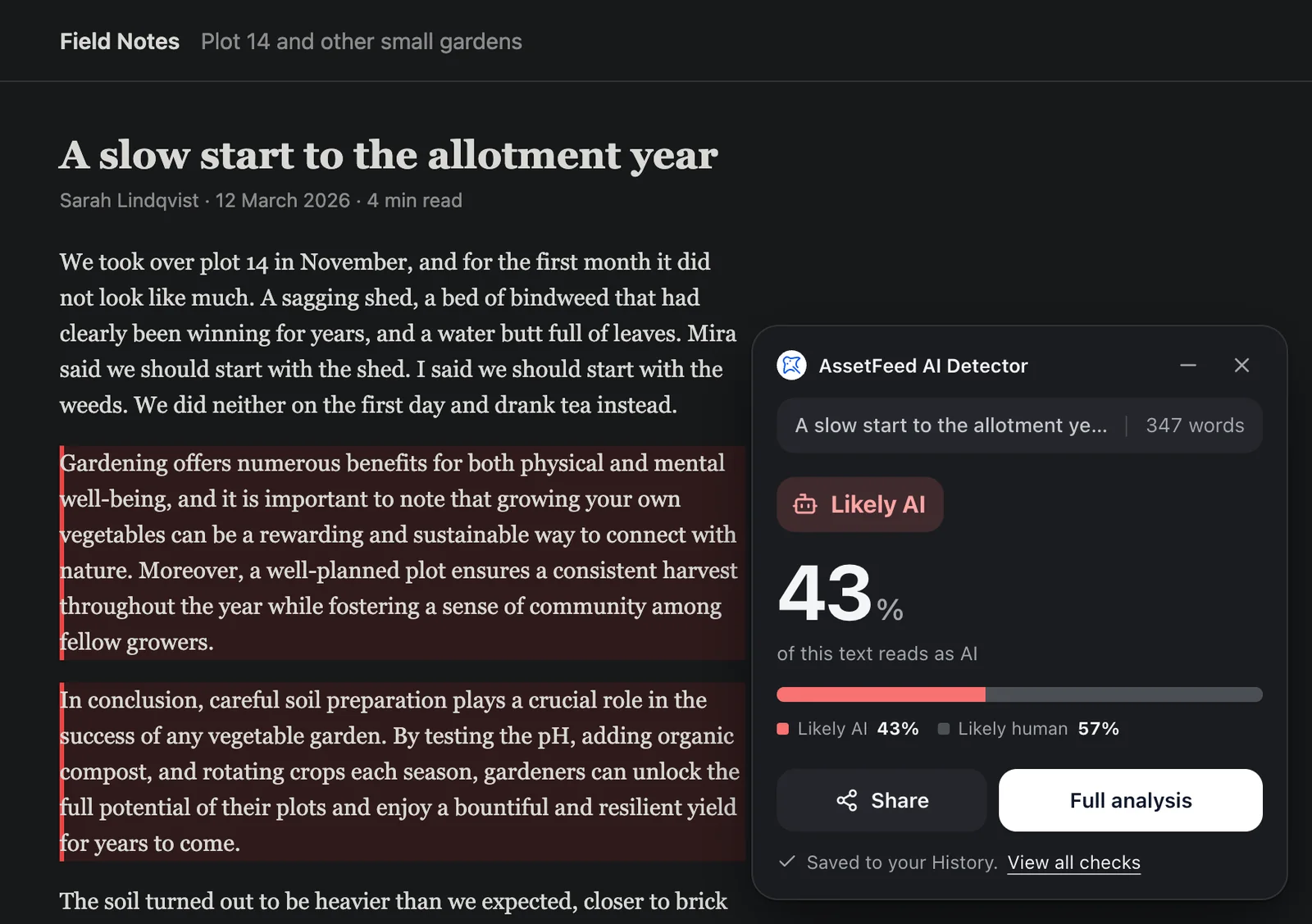
When the result is ready, the window displays the percentage of the page that reads as AI generated, and the range of results, divided into Likely AI, Unsure, and Likely human. If you check a highlighted section of the page, the window will be displayed but there won’t be any marks on the page. The result of each check is stored in History.


Credits
Each manual scan uses credits from your AssetFeed account. Auto scan does not consume any credits. Scanning directly on the website is free while AssetFeed AI Detector is in the beta stage.
Limits
The text must be 50–30,000 words and in English. The result is an assessment, not a proof.
Auto scan
Auto scan works on public posts on LinkedIn, X, Reddit, Facebook, Threads and Bluesky; as well as on open emails in Gmail and Outlook. For private messages in LinkedIn, Reddit and Bluesky, you must choose to check them separately. Auto scan has a toggle button on all paid plans. On free accounts, Auto scan toggle buttons are disabled, and you cannot choose to check private messages in LinkedIn, Reddit and Bluesky.
It will put a detector badge next to each public post in LinkedIn, X, Reddit, Facebook, Threads and Bluesky; and will check each open email in Gmail and Outlook.
Privacy
Manually checking a page or a selection sends the text for analysis when you press Scan current page or Check selected text.
When Auto scan is enabled for a group of websites, it automatically sends the visible text of public posts on LinkedIn, X, Reddit, Facebook, Threads and Bluesky; and visible text from each open email in Gmail and Outlook; and the visible text from each open private message in LinkedIn, Reddit and Bluesky (if you’ve chosen to check them separately).
Auto scan will not save emails or private messages.
You can turn off Auto scan for each group of websites at any time.
Frequently asked questions
01Is there a Chrome extension?
Yes. AssetFeed AI Detector for Chrome checks the page you’re reading or text you select, and marks the parts that read as AI. Sign in with your AssetFeed account to use it; each check uses credits.